

Documentation Index
Fetch the complete documentation index at: https://polar.sh/docs/llms.txt
Use this file to discover all available pages before exploring further.
Create a Product with Benefits
Create Multiple Benefits
Create a Product
Create a Product that includes the two Benefits created above.
Instead of creating the Benefits beforehand, you can also create them while creating the product by clicking the 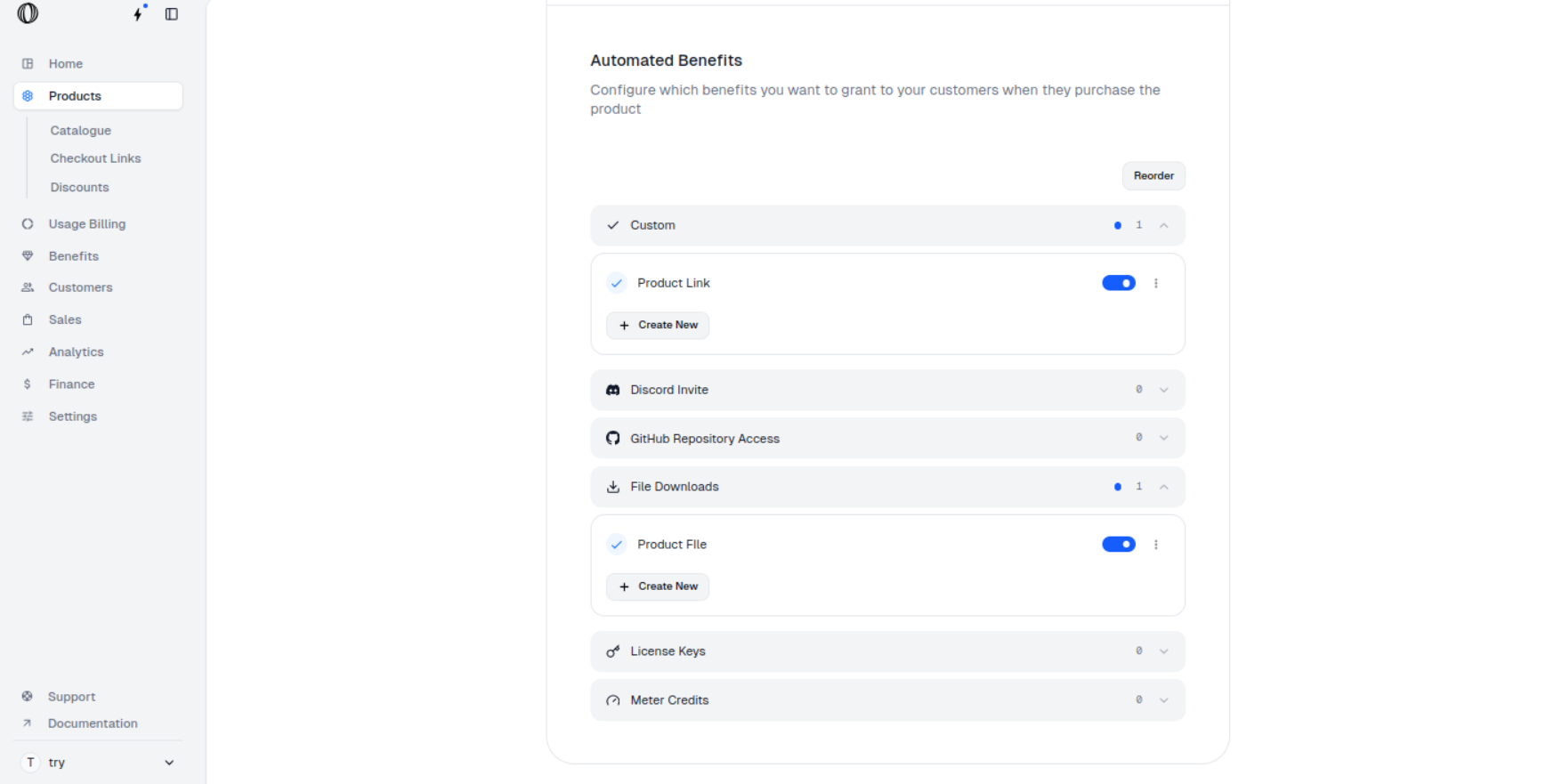
Create New button under the desired Benefit Type in the Automated Benefits section of the product configuration.Create a Checkout Link
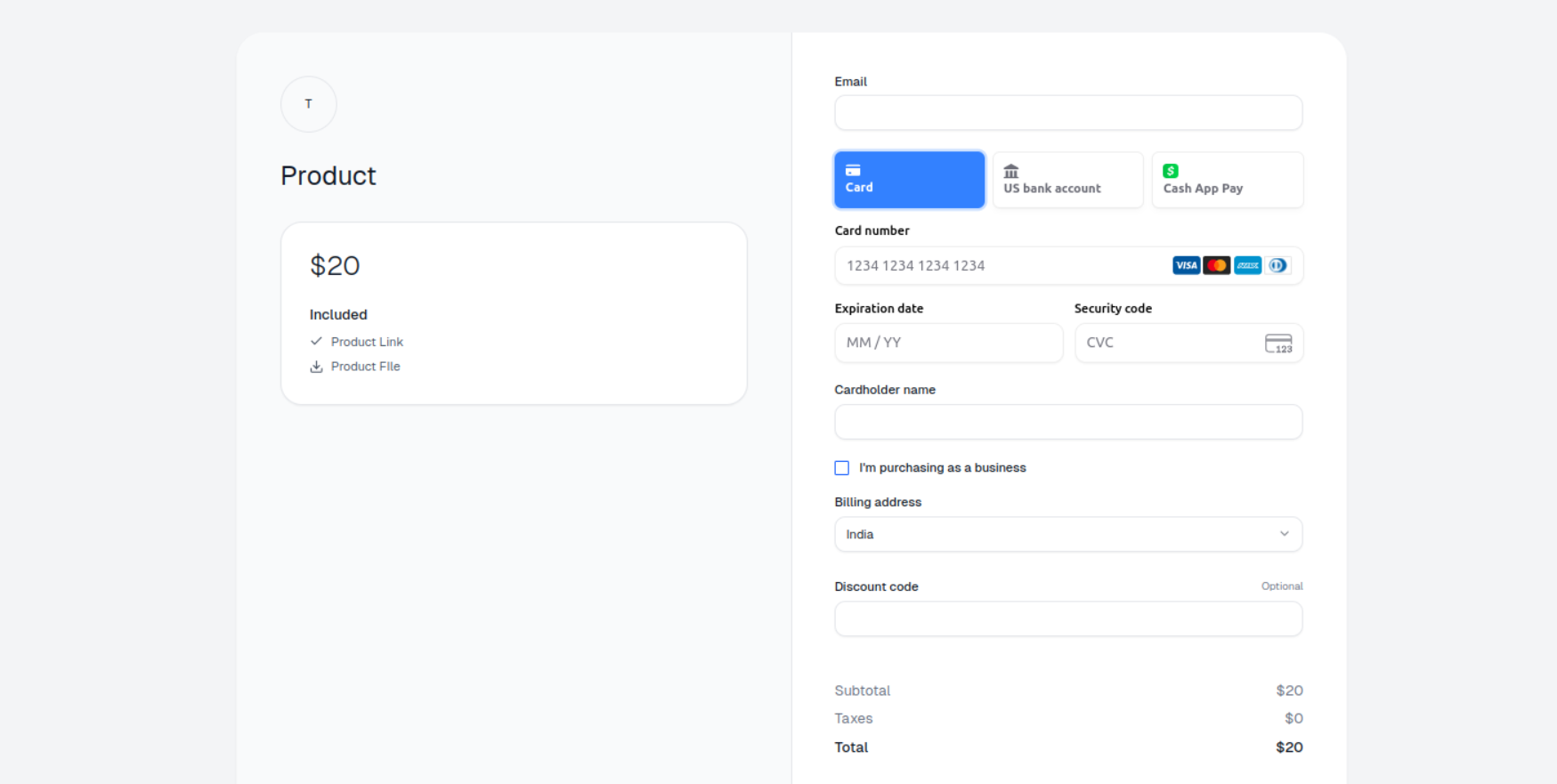
Create a Checkout Link for the product.
Reorder Benefits
Navigate to Products
In the Polar dashboard sidebar, navigate to Products > Catalogue for your organization. You can also go directly to 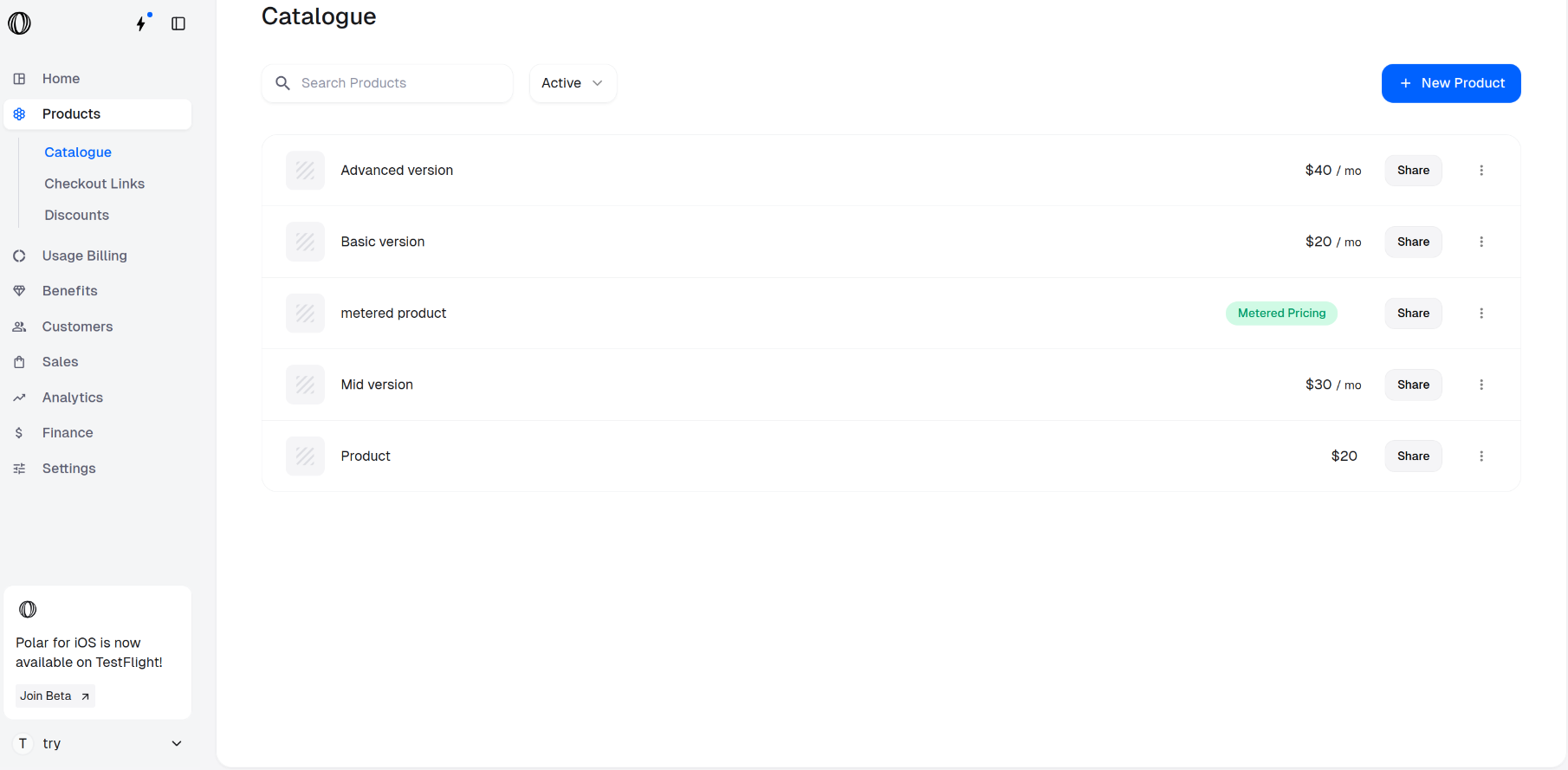
https://polar.sh/dashboard/${org_slug}/products.Select a Product
Choose the product whose Benefits you want to reorder, click on it and scroll down to the Automated Benefits section.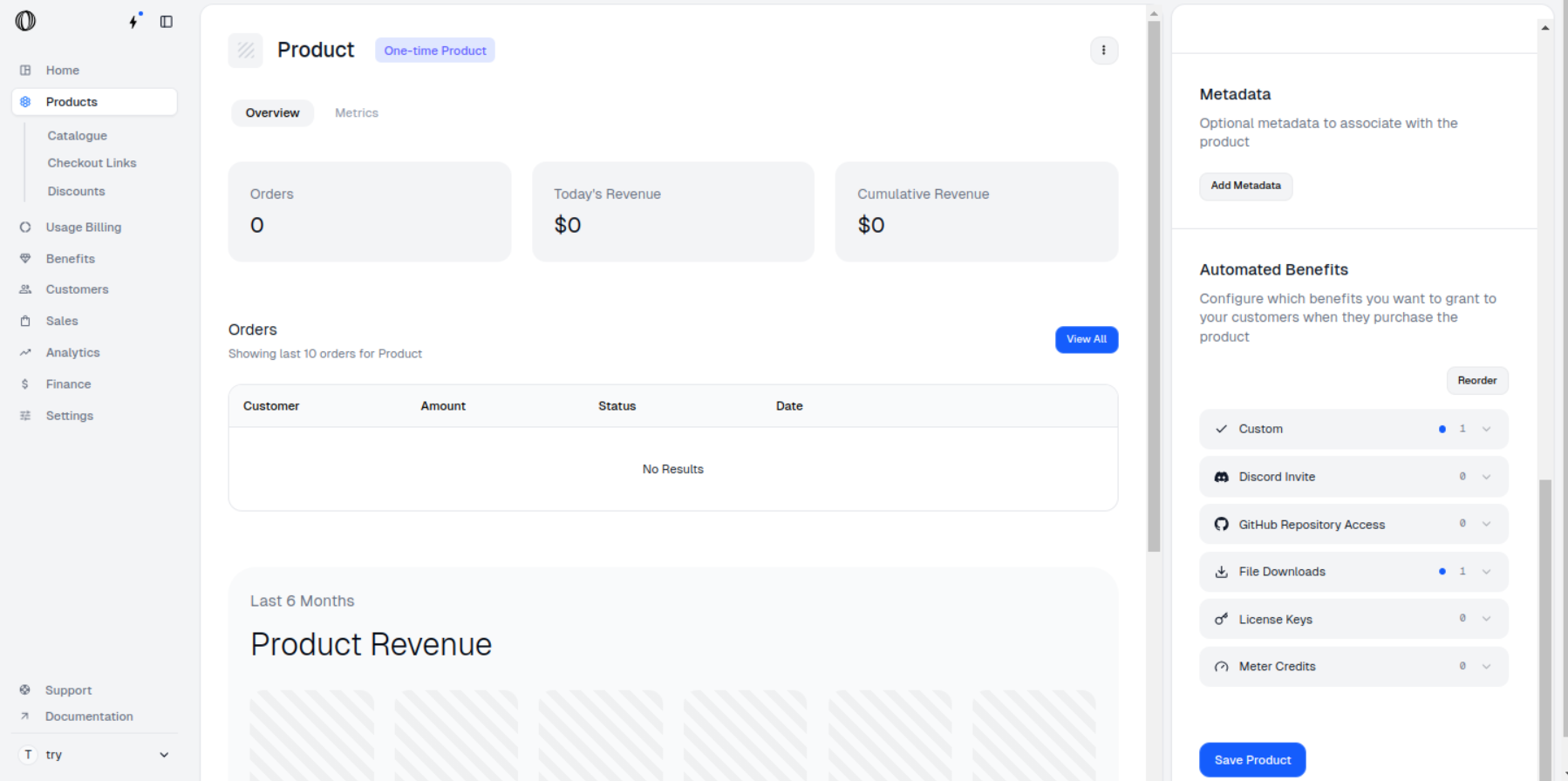
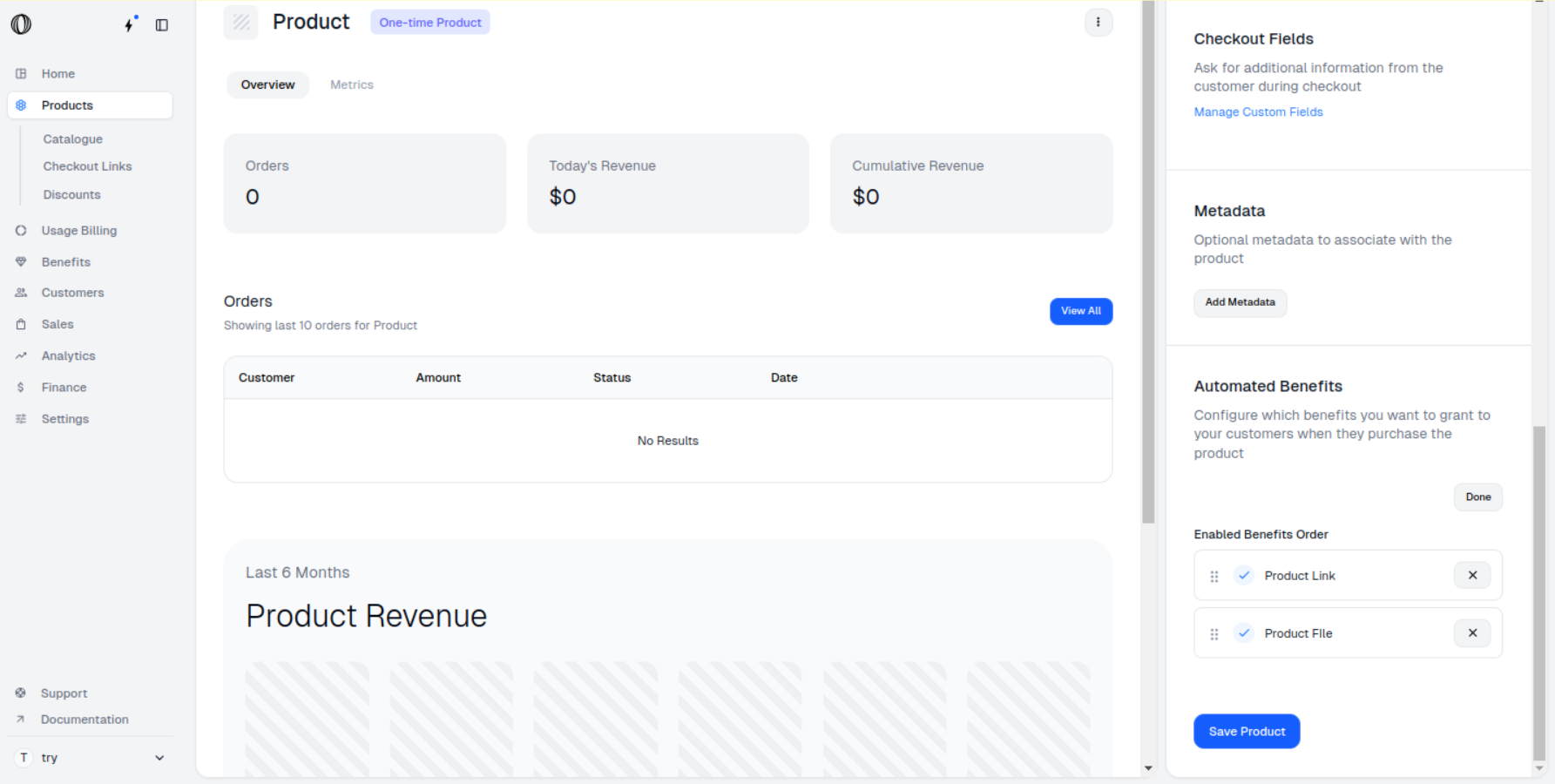
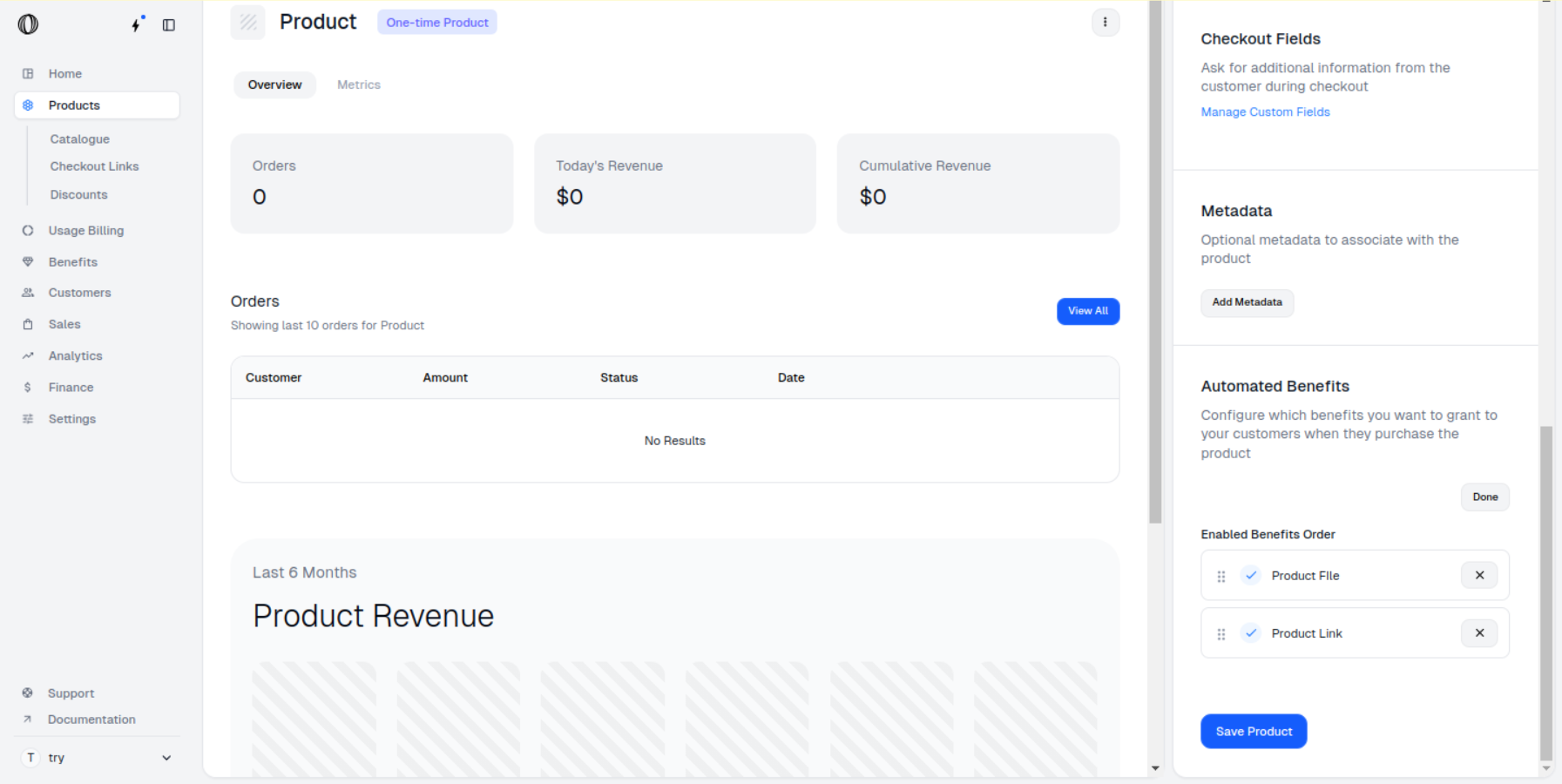
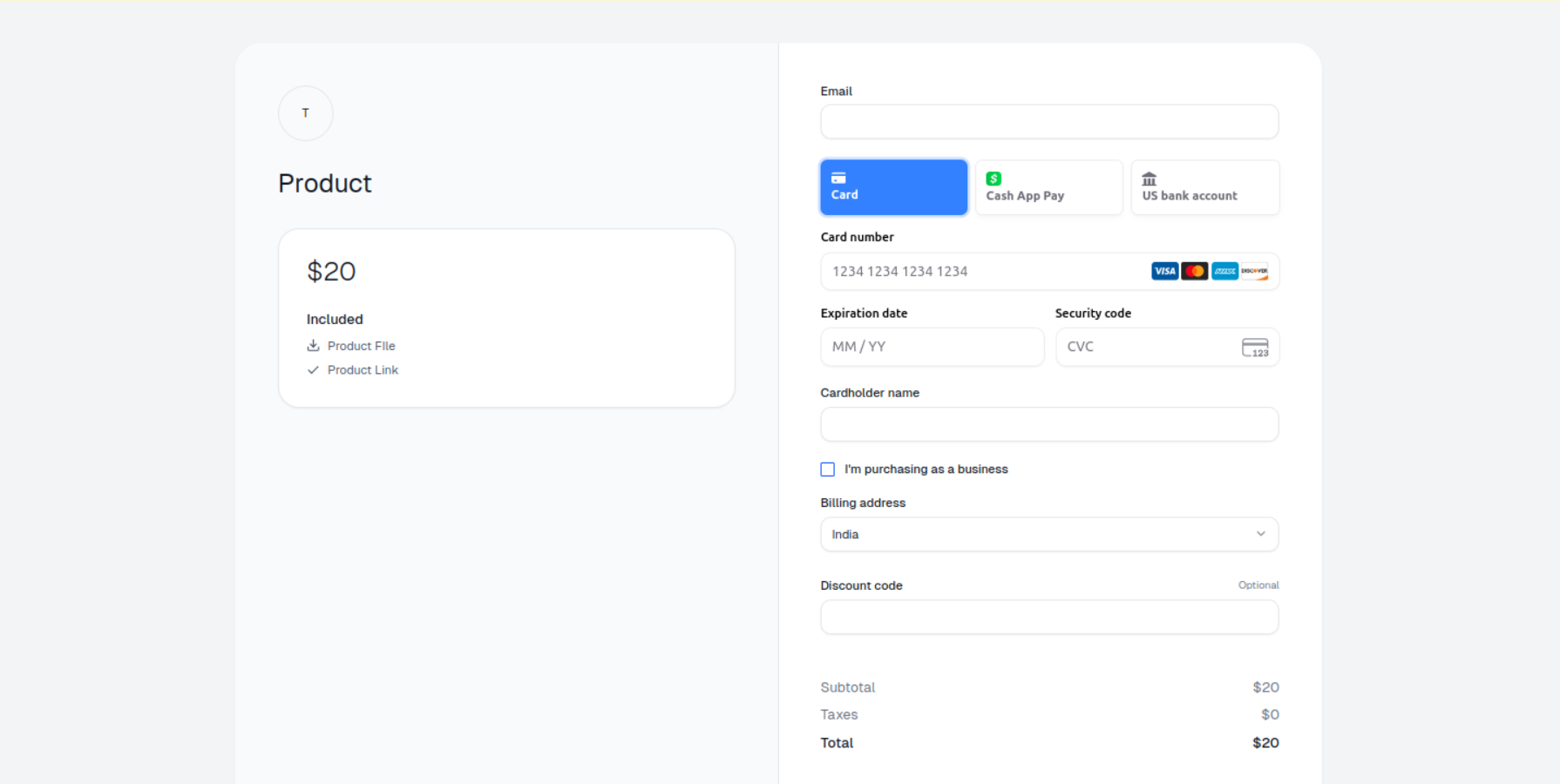
You can also Reorder the Benefits while creating the Product itself by clicking on
Reorder button in Automated Benefits section.