

Documentation Index
Fetch the complete documentation index at: https://polar.sh/docs/llms.txt
Use this file to discover all available pages before exploring further.
Creating a checkout session using the API
Create a New Token
Create a new organization token by following our Organization Access Tokens guide.
Save your Access Token
After creating your access token, you will be able to view it. Please copy and save your access token.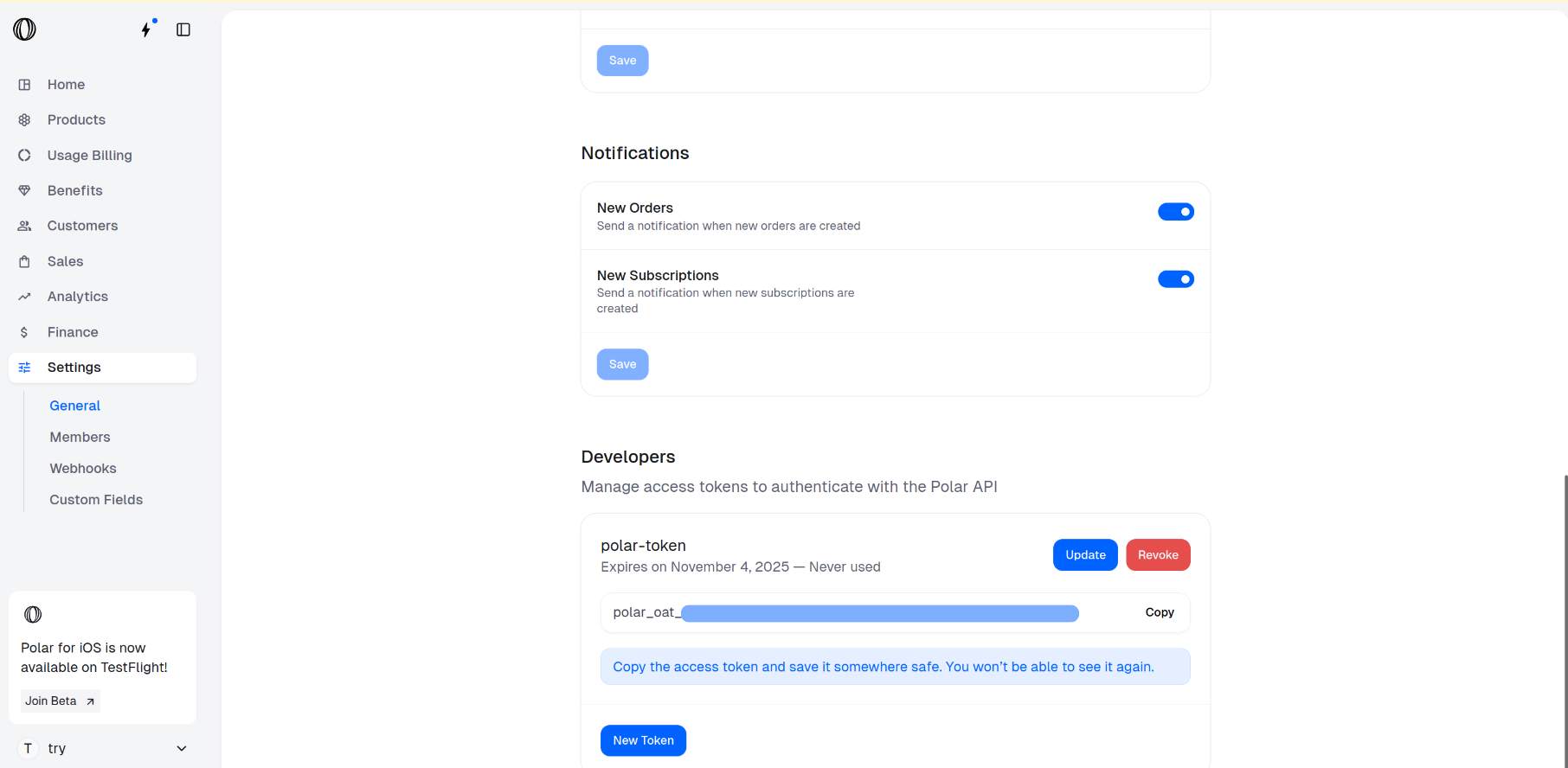
Go to the Products Catalogue
In the Polar dashboard sidebar, navigate to Products > Catalogue for your organization.
You can also go directly to:
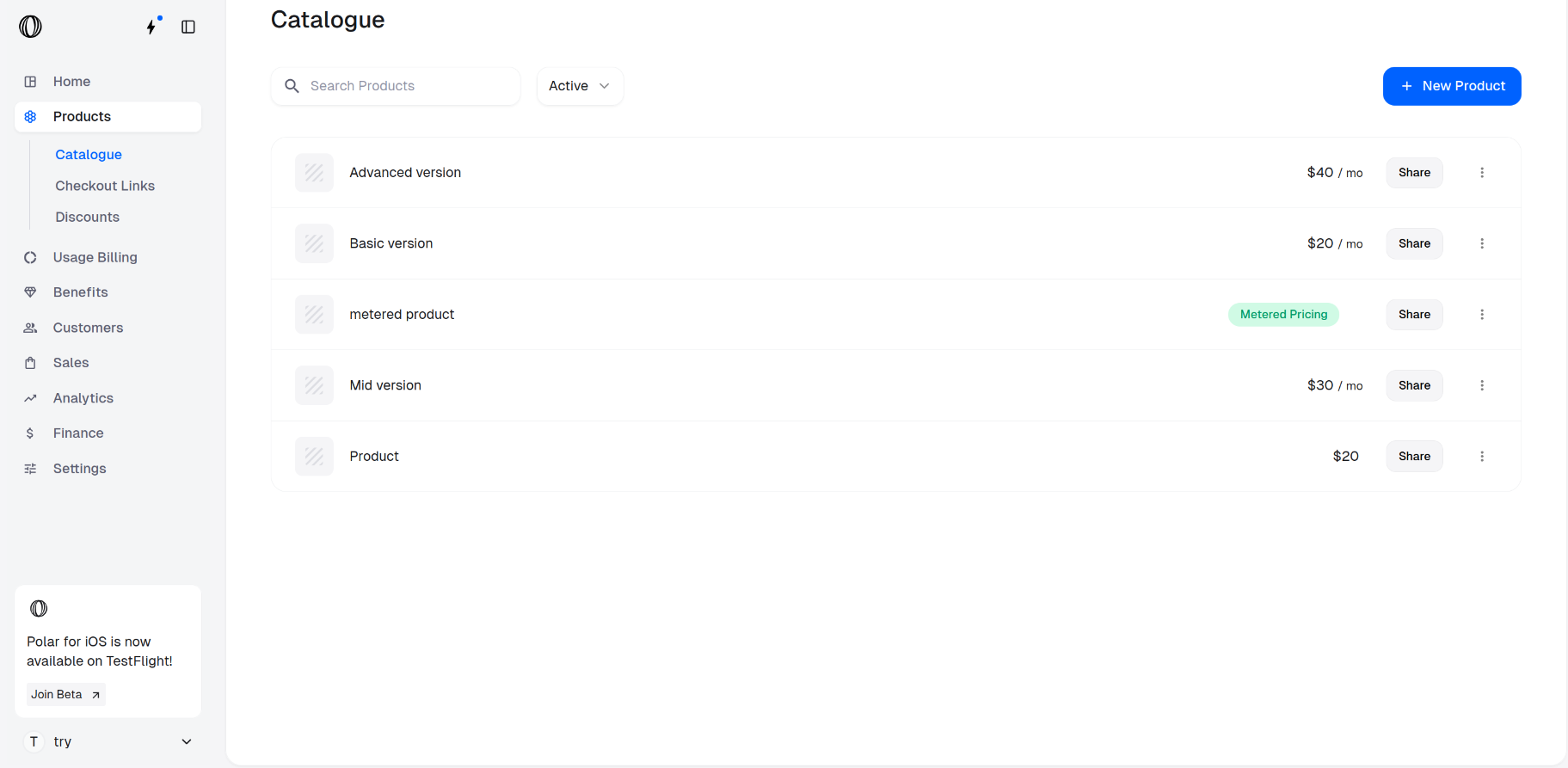
https://polar.sh/dashboard/${org_slug}/productsAccess the product IDs for checkout
Retrieve the Product IDs for the items you wish to include in checkout by clicking on the ⋮ (More options) menu next to chosen products and selecting Copy Product ID.
These IDs will be required in the next step to create a checkout session.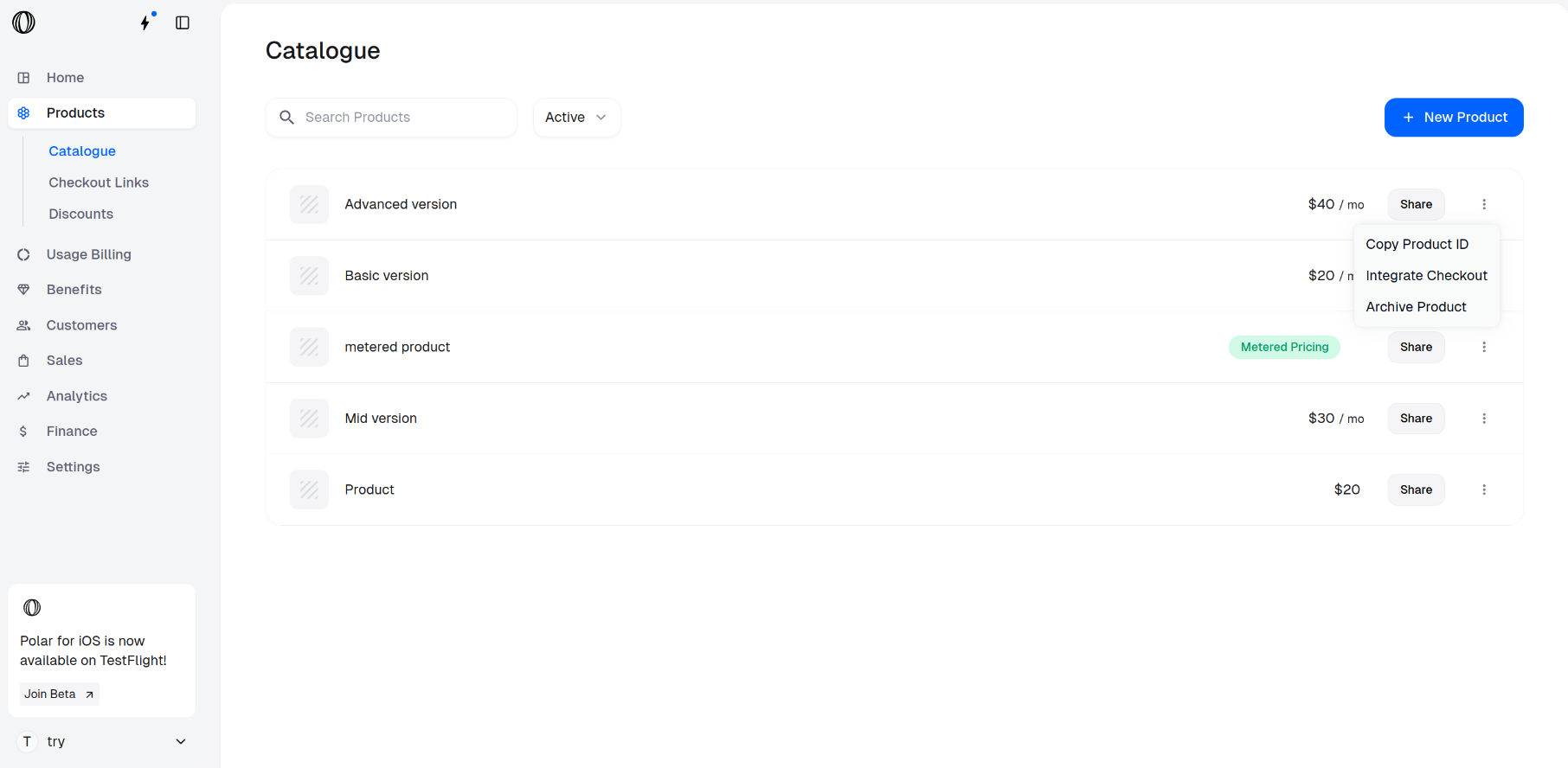
These IDs will be required in the next step to create a checkout session.
Create a Checkout Session using the API
Open your terminal and paste the following curl command to make an API call for creating a checkout session.
Be sure to replace:Find the description of all the parameters in the Create Checkout Session API.
- <YOUR_ACCESS_TOKEN> with your actual access token
- <PRODUCT_ID_1>, <PRODUCT_ID_2>, etc., with the product IDs you want to include in the session
Terminal